'%3e%3cpath%20d='M18.3832%2018.4035L29.7497%2033.5867H22.2081L14.6665%2023.4077L7.20826%2033.5867H0L11.1999%2018.7452L0.499995%204.41617H7.99992L14.9165%2013.7494L21.7498%204.41617H28.9164L18.3832%2018.4035ZM35.4997%2012.7911L42.5413%204.41617H35.2913L31.5414%208.8328C30.333%2010.2911%2029.7497%2011.7494%2029.7497%2013.3328C29.7497%2014.9161%2030.333%2016.3327%2031.5414%2017.8327L37.2496%2024.9993L30.5414%2033.5826H37.958L41.2496%2029.4159C42.4996%2027.8326%2043.0829%2026.3326%2043.0829%2024.7076C43.0829%2023.0827%2042.4996%2021.5827%2041.2496%2019.9994L35.4997%2012.7911ZM76.0826%2018.9994C76.0826%2027.5409%2069.3743%2034.2492%2060.8327%2034.2492C52.2912%2034.2492%2045.5829%2027.5409%2045.5829%2018.9994C45.5829%2010.4578%2052.2912%203.74951%2060.8327%203.74951C69.3743%203.74951%2076.0826%2010.4578%2076.0826%2018.9994ZM69.8327%2018.9994C69.8327%2013.6244%2065.9577%209.58279%2060.8327%209.58279C55.7078%209.58279%2051.8328%2013.6244%2051.8328%2018.9994C51.8328%2024.3743%2055.7078%2028.4159%2060.8327%2028.4159C65.9577%2028.4159%2069.8327%2024.3743%2069.8327%2018.9994ZM74.7493%204.41617L90.4158%2033.5826H97.749L82.0825%204.41617H74.7493ZM140.374%2033.5826H104.916L89.2491%204.41617H96.5824L108.941%2027.4243L120.874%204.41617H125.249L140.374%2033.5826ZM115.053%2028.1659H130.782L122.924%2012.5078L115.053%2028.1659Z'%20fill='%2380EAFF'/%3e%3c/g%3e%3cdefs%3e%3cclipPath%20id='clip0_logo_cyan'%3e%3crect%20width='140.374'%20height='30.5'%20fill='white'%20transform='translate(0%203.74927)'/%3e%3c/clipPath%3e%3c/defs%3e%3c/svg%3e)

Start with the network overview, configure your environment and test your first integration. Use the Xsolla guide for settings and access requirements, alongside the upstream ZKsync documentation for the underlying technology.
Explore ecosystem partnerships
Make your first read-only
connection
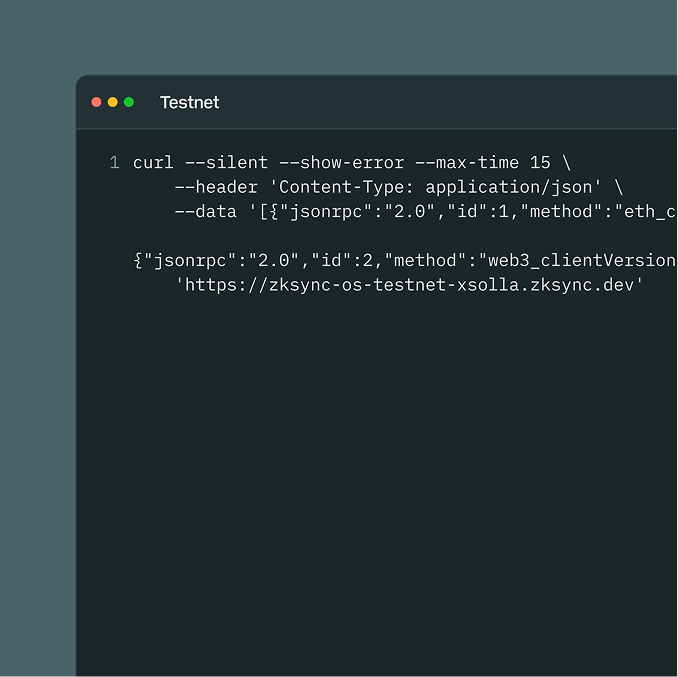
Check the testnet before configuring a wallet or deploying a contract. This request needs no account, wallet or signature, and sends no transaction.
curl ––silent ––show-error ––max-time 15 \ ––header 'Content-Type: application/json' \ ––data '[{"jsonrpc":"2.0","id":1,"method":"eth_chainId","params":[]}, {"jsonrpc":"2.0","id":2,"method":"web3_clientVersion","params":[]}]' \ 'https://zksync-os-testnet-xsolla.zksync.dev'
Wallets that work with the testnet
MetaMask
Add the network by chain ID and RPC, and confirm you are connected.

Start with the plain guides
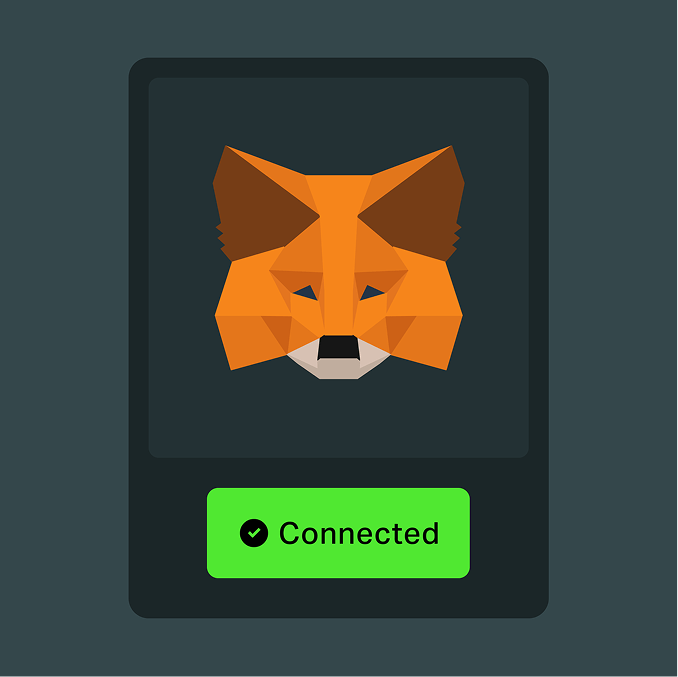
Create a MetaMask wallet and add Xsolla ZK
Install the wallet, add the network by chain ID and RPC, and confirm you are connected.
Use the network for the first time
What a first session looks like: read state, check an address, understand what costs gas.
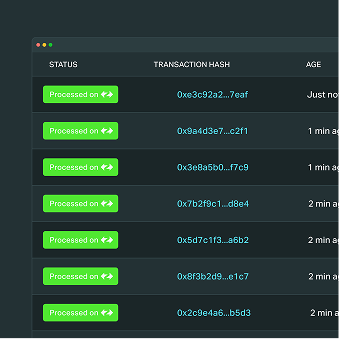
Find a transaction on the explorer
Search by hash, read the receipt and tell a pending transaction from a failed one.
Guide sequence
Architecture and environments
Understand the current stack and distinguish testnet from production.
Connect to the testnet
Use the verified network settings and check what your account is allowed to do.
Contracts and tooling
Read the applicable upstream execution and tooling documentation.
Item standards and metadata
Plan standards, metadata and utility descriptions for your application.
Wallet integration
Plan item display and application discovery.
Marketplace integration
Show where an item can be used and who supports it.
Quests and game integrations
Describe the experience and integration you want to build.
Production access
Participation requirements, eligibility and how access can be suspended.
Partnership submissions
What to send, and what happens after you send it.
Ethereum for games
Gaming experience. New possibilities for builders.



© 2006 — 2026 Xsolla (USA), Inc.

